
Ever wondered what happens the moment you hit “send” on an email or click “play” on a streaming video? It’s a complex dance of technology, but at its core, it’s about your data finding its way across a global network. This article will break down the journey of your data, from your laptop or smartphone all the way to a website and back again.
1. The Local Connection: From Your Device to Your Router
The first step in any internet journey begins right at your device.
Your Device’s First Hop
Whether you’re using a laptop, smartphone, or smart TV, your device needs a way to connect to your home network. This usually happens in one of two ways:
- Wi-Fi: Wireless Fidelity uses radio waves to send data between your device and a central hub.
- Ethernet Cable: A physical cable plugs directly into your device and provides a stable, often faster, connection.
Your Router: The Home Traffic Controller
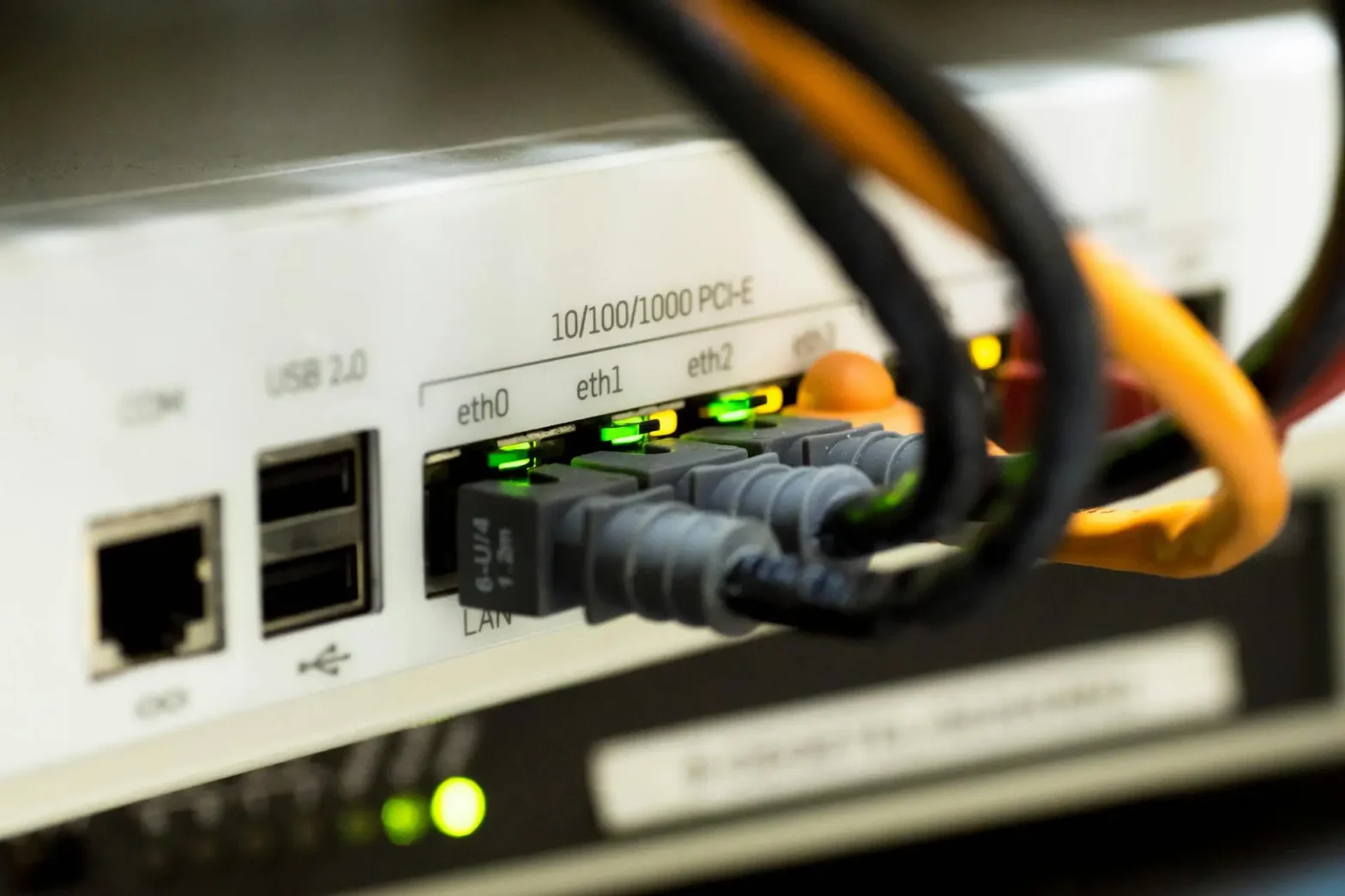
Once your data leaves your device, its first stop is your router. Think of your router as the traffic cop for your home network.
- Local Network Manager: It manages all the devices connected within your home (laptops, phones, smart speakers, etc.), assigning them unique local addresses so they can communicate with each other.
- Gateway to the Internet: Crucially, your router also acts as the gateway between your local home network and the vast external network of the internet. It’s the only device in your home that directly talks to the outside world.
2. Beyond Your Home: Your Router to the Internet
With your data reaching your router, the next step is to leave your home network and venture onto the global stage.
The Modem: Translating Signals
Often, your router is connected to a modem (sometimes these two devices are combined into one unit). The modem’s job is to translate the digital signals from your router into a format that can travel over the specific type of internet connection you have, be it cable, fiber optic, or DSL – and vice-versa. It’s the bridge between your home network and your Internet Service Provider.
Your ISP: The Internet’s Gatekeeper
Once your data leaves your modem, it travels to your Internet Service Provider (ISP). Companies like AT&T, Comcast, Verizon, or BT are ISPs. They own the massive networks of cables, fiber optics, and other infrastructure that crisscross cities, countries, and even oceans.
- Internet Access: Your ISP is who you pay for internet access. They provide the actual connection that allows your home network to reach the rest of the internet.
- Global Network: They connect your modem to their vast network, which then connects to other ISPs and the broader internet backbone.
3. Finding Your Destination: IP Addresses and DNS
Now that your data is on the ISP’s network, it needs to know where to go. This involves two critical concepts: IP addresses and the DNS.
IP Addresses: The Internet’s Street Addresses
Every single device connected to the internet – from a server hosting a website to your smartphone – has a unique numerical label called an IP address (Internet Protocol address).
- Unique Identifier: Just like a street address tells a postal service where to deliver mail, an IP address tells internet routers where to send data packets. An example might look like
172.217.160.142.
DNS: The Internet’s Phonebook
While computers understand IP addresses, humans find it much easier to remember names like “google.com” or “wikipedia.org.” This is where the Domain Name System (DNS) comes in.
- Name to Number Translation: Think of DNS as the internet’s phonebook. When you type “google.com” into your browser, your computer sends a request to a DNS server. This server looks up “google.com” and tells your computer its corresponding IP address (e.g.,
172.217.160.142). - Crucial for Navigation: Without DNS, you’d have to memorize long strings of numbers for every website you wanted to visit!
4. The Data’s Journey: Packets and Routing
With the destination IP address in hand, your data is ready to travel.
Data Packets
When you send information (like an email or a video stream), it’s not sent as one giant chunk. Instead, your data is broken down into smaller pieces called packets. Each packet contains a small part of the data, along with the source and destination IP addresses.
- Efficiency: Breaking data into packets makes the internet more efficient and resilient. If one packet gets lost, only that small piece needs to be re-sent, not the entire message.
Routing Across the Internet
These packets then embark on a journey across the internet, bouncing from one router to another (owned by various ISPs) until they reach their final destination – the server hosting the website or service you’re trying to reach.
- Best Path: Routers along the way use sophisticated algorithms to determine the quickest and most efficient path for each packet to reach its destination.
Examples in Action
Let’s illustrate this journey with common internet activities:
Sending an Email
- You hit “Send”: Your email client breaks the email into packets.
- To Your Router: Your device sends these packets to your home router.
- To Your ISP: Your router sends the packets, via your modem, to your ISP.
- DNS Lookup: Your ISP’s network (or a DNS server it queries) looks up the IP address of the recipient’s email server (e.g., if you’re emailing
john@example.com, it findsexample.com‘s mail server IP). - Across the Web: The packets travel across the internet, hopping through various routers and ISP networks, guided by the destination IP address.
- To Recipient’s ISP: The packets arrive at the recipient’s ISP.
- To Recipient’s Mail Server: The ISP routes the packets to the correct mail server where John’s email account is hosted.
- Delivered: John’s email client then retrieves the email from the server.
Streaming a Video
- You hit “Play”: Your device sends a request to the streaming service (e.g., Netflix, YouTube).
- To Your Router & ISP: This request travels from your device, through your router and modem, to your ISP.
- DNS Lookup: Your ISP’s network performs a DNS lookup to find the IP address of the streaming service’s servers.
- To Streaming Server: The request travels across the internet to the streaming service’s server.
- Video Data Back: The streaming service’s server then begins sending the video data back to your device, broken into packets.
- Across the Web (Reverse Journey): These video packets travel back across the internet, through various routers and ISP networks.
- To Your ISP & Router: They arrive at your ISP, then through your modem and router.
- To Your Device: Your router sends the packets to your device, which reassembles them, and you start watching your video.
Conclusion
From the moment you interact with an app or website, your data embarks on an incredible journey. What seems like an instant connection is actually a sophisticated ballet involving your device, your router, your ISP, DNS servers, and countless other routers across the globe, all working together to ensure your digital information reaches its intended destination. It’s a testament to the intricate engineering that underpins our modern, connected world.