
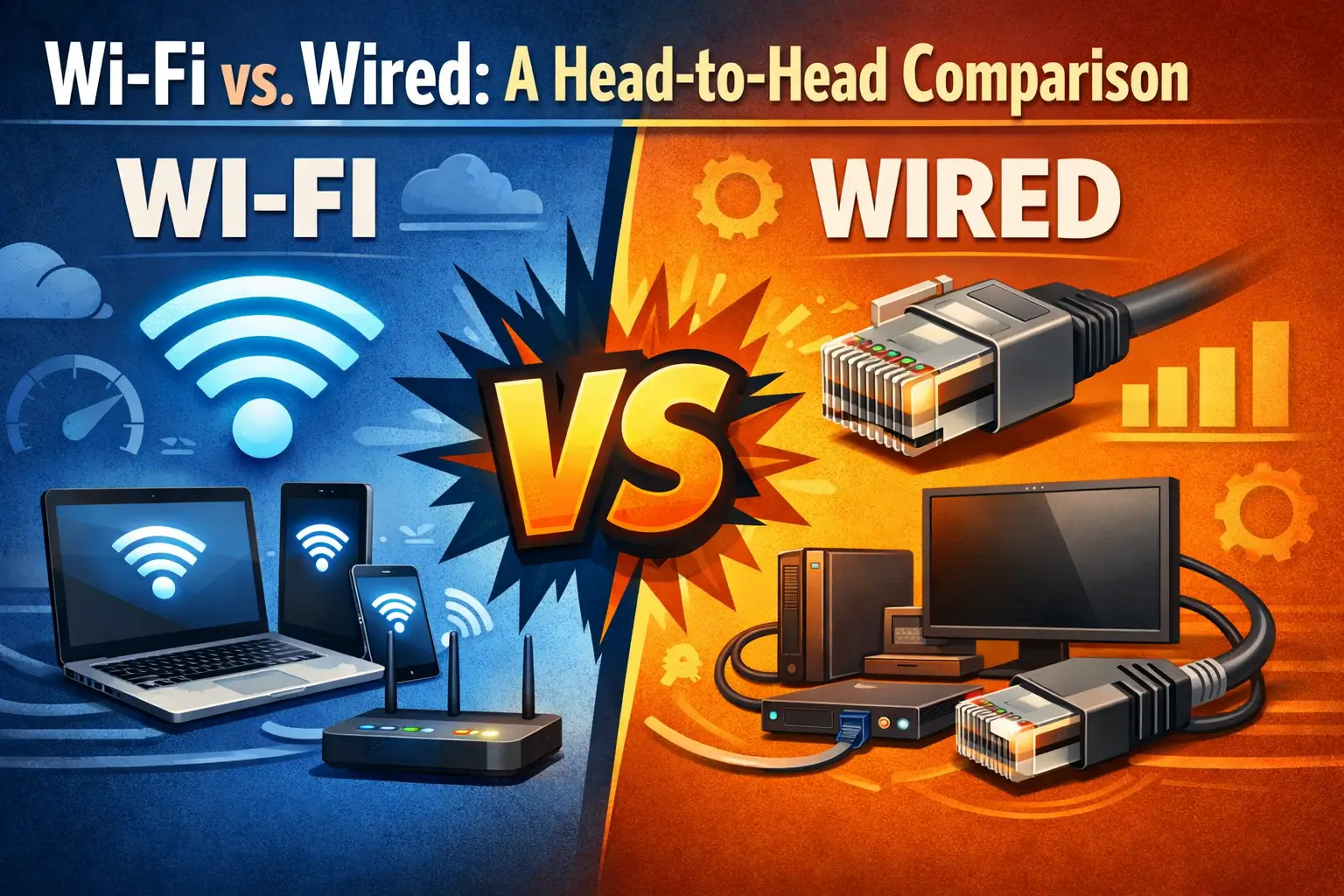
In today’s connected world, choosing the right network setup is crucial for seamless internet access and efficient data transfer. The primary decision often boils down to a wired Ethernet connection or a wireless Wi-Fi network. Both have distinct advantages and disadvantages, making the “better” choice dependent on specific needs, priorities, and usage scenarios in both home and office environments.
This article will delve into a direct comparison of Wi-Fi and wired networks, examining key aspects such as speed, reliability, security, and typical use cases, while also providing tips to optimize your network performance.
Wi-Fi vs. Wired: A Head-to-Head Comparison
To understand which network type suits you best, let’s break down their performance across several critical categories.
Speed
- Wired (Ethernet): Generally offers superior and more consistent speeds. Modern Gigabit Ethernet (1 Gbps) is standard, with 2.5 Gbps, 5 Gbps, and even 10 Gbps Ethernet becoming more common for high-performance needs. Wired connections experience minimal signal degradation over shorter distances and lower latency, which is the delay before a transfer of data begins following an instruction.
- Wi-Fi (Wireless): While Wi-Fi standards like Wi-Fi 6 (802.11ax) and Wi-Fi 6E offer theoretical speeds comparable to or even exceeding Gigabit Ethernet in ideal conditions, actual real-world speeds are often lower. Performance is highly susceptible to factors such as distance from the router, physical obstructions (walls, furniture), interference from other wireless devices, and the number of connected devices. Wi-Fi also typically has higher latency than wired connections.
Reliability and Stability
- Wired (Ethernet): Wired connections are inherently more stable and reliable. They are not subject to wireless interference, signal drops, or dead zones. Once an Ethernet cable is properly connected, it provides a consistent and dedicated data path, leading to fewer disruptions and a more stable connection.
- Wi-Fi (Wireless): Wi-Fi reliability can be a significant concern. Signals can be degraded or blocked by walls, floors, and other electronic devices. This can lead to intermittent connections, slower speeds, and frustrating dropouts, especially in crowded wireless environments or larger spaces.
Security
- Wired (Ethernet): Wired networks are generally considered more secure from external threats. To access a wired network, a perpetrator typically needs physical access to the network infrastructure (e.g., plugging into an available port). This physical barrier makes unauthorized access more difficult for remote attackers.
- Wi-Fi (Wireless): While modern Wi-Fi encryption protocols (WPA2, WPA3) offer robust security, wireless networks inherently broadcast their signals, making them potentially vulnerable to interception if not properly secured. Without a strong password and up-to-date encryption, unauthorized users could potentially access your network, intercept data, or launch attacks. Regular password changes and strong encryption are essential for Wi-Fi security.
Convenience and Flexibility
- Wired (Ethernet): Wired connections offer less flexibility. Devices must be physically tethered to a network port, limiting mobility. Installing Ethernet cables can also be a significant undertaking, especially in existing buildings, requiring drilling, running cables through walls, and terminating connections.
- Wi-Fi (Wireless): This is where Wi-Fi truly shines. It offers unparalleled convenience and flexibility, allowing devices to connect to the network from anywhere within the router’s range without physical cables. This is ideal for laptops, smartphones, tablets, smart home devices, and any device needing mobility.
Cost and Installation
- Wired (Ethernet): Initial installation costs can be higher, especially if extensive cabling is required in an existing structure. However, the cost of Ethernet cables themselves is relatively low, and once installed, they are typically maintenance-free.
- Wi-Fi (Wireless): Setting up a basic Wi-Fi network with a router is generally straightforward and less expensive for initial setup, especially if no new cabling is needed. For larger areas or to improve signal, additional access points or mesh systems might be required, adding to the cost.
Lear More: How Internet Connectivity Works
Typical Use Cases for Each
Understanding the strengths of each network type helps determine when to prioritize one over the other.
When Wired is Best
- Online Gaming: Low latency and stable speeds are critical for a smooth, competitive gaming experience.
- 4K/8K Video Streaming: High bandwidth and consistent delivery prevent buffering and ensure crisp picture quality.
- Large File Transfers: Moving large files across a local network (e.g., between computers or to a network-attached storage, NAS) is significantly faster and more reliable with wired connections.
- Desktop computers and workstations are devices that do not require mobility but demand high performance.
- Servers & Network-Attached Storage (NAS): Ensures consistent access and high-speed data transfer for critical data.
- Critical Business Applications: Any application where network stability and speed are paramount for productivity.
When Wi-Fi Shines
- Mobile Devices: Smartphones, tablets, and laptops that frequently move around.
- Guest Access: Provides easy network access for visitors without needing to plug in.
- Smart Home Devices: IoT devices like smart bulbs, thermostats, security cameras, and voice assistants that benefit from wireless connectivity.
- Areas Where Cabling is Impractical: Rooms or buildings where running Ethernet cables would be too difficult, costly, or aesthetically unpleasing.
- Meetings and Presentations: Laptops and projectors can connect easily without needing to find a wired port.
- General Web Browsing & Email: For less demanding tasks, Wi-Fi offers sufficient speed and convenience.
Hybrid Approach
For many homes and offices, the most effective solution is a hybrid approach. Connect stationary, high-bandwidth-demanding devices (desktop PCs, gaming consoles, smart TVs, NAS) via Ethernet, while utilizing Wi-Fi for mobile devices and those that prioritize convenience over raw speed. This strategy leverages the strengths of both technologies.
Optimizing Your Network Performance
Regardless of your chosen setup, there are steps you can take to ensure your network performs at its best.
For Wired Networks
- Use Appropriate Cable Categories: For Gigabit Ethernet, use Cat5e or Cat6 cables. For 2.5 Gbps or 10 Gbps, Cat6a or Cat7/8 are recommended to avoid bottlenecks.
- Quality Hardware: Invest in a good quality router/switch with sufficient port speeds.
- Proper Termination: Ensure cables are properly terminated with RJ45 connectors or into wall jacks to avoid signal loss.
- Keep Cables Organized: Avoid kinking or placing heavy objects on cables, which can damage them.
For Wi-Fi Networks
- Optimal Router Placement: Place your router in a central location, elevated, and away from obstructions (walls, large appliances, metal objects).
- Choose the Right Channel: Use a Wi-Fi analyzer app to identify less congested channels, especially on the 2.4 GHz band, to minimize interference.
- Keep Firmware Updated: Regularly update your router’s firmware for security patches and performance improvements.
- Use Both Frequencies (2.4 GHz & 5 GHz): Use 5 GHz for devices closer to the router that require faster speeds, and 2.4 GHz for devices farther away or those that need better penetration through walls.
- Consider Mesh Wi-Fi Systems or Extenders: For larger homes or offices with dead zones, a mesh system or Wi-Fi extender can significantly improve coverage and performance.
- Implement Strong Security: Always use WPA2 or WPA3 encryption with a strong, unique password for your Wi-Fi network.
General Tips for Both
- Regular Reboots: Periodically restart your router and modem to clear caches and refresh connections.
- Quality of Service (QoS): If your router supports it, enable QoS to prioritize bandwidth for critical applications (e.g., video conferencing, gaming) over less time-sensitive tasks.
- Limit Unnecessary Devices: Disconnect devices that are not actively using the network to free up bandwidth.
Conclusion
Ultimately, there is no single “better” answer when comparing Wi-Fi and wired networks; the optimal choice depends on your specific needs. Wired connections offer superior speed, reliability, and security, making them ideal for high-demand devices and critical applications. Wi-Fi provides unmatched convenience and flexibility, perfect for mobile devices and environments where cabling is impractical.
For most modern homes and offices, a hybrid approach combining the strengths of both technologies will deliver the most robust, efficient, and versatile network experience. By understanding the characteristics of each and implementing optimization tips, you can build a network that effectively meets your demands for both performance and convenience.