
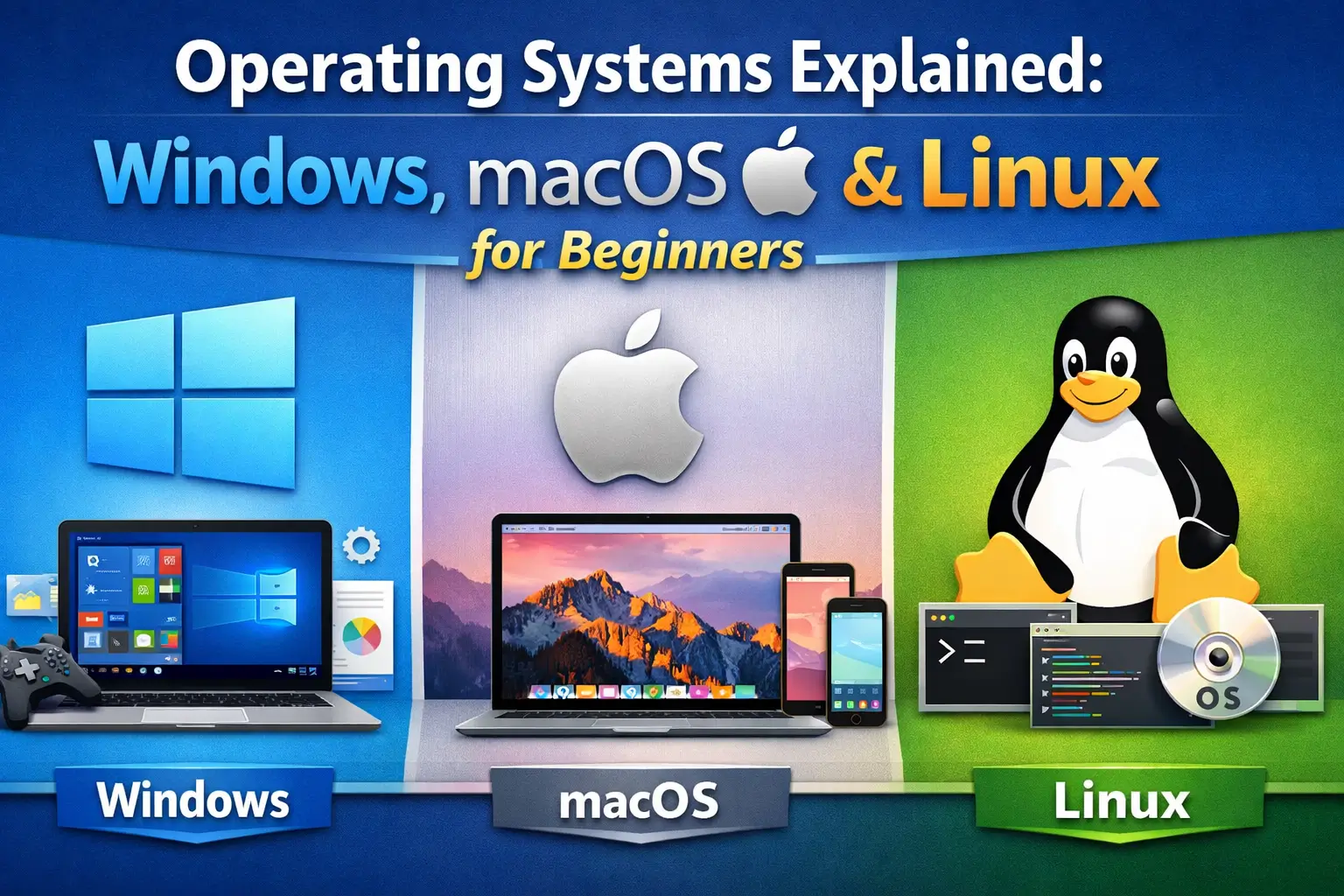
An operating system (OS) is the core software that runs a computer. It manages hardware, runs applications, and allows users to interact with devices easily. Without an operating system, a computer would not be able to perform basic tasks like opening files, browsing the internet, or running programs.
Today, three major operating systems dominate the world of personal computing: Windows, macOS, and Linux. Each system has unique features, strengths, and ideal use cases. Understanding how they work and how they differ can help beginners choose the right platform for learning, productivity, or professional work.
Windows Operating System
Windows is the most widely used operating system in the world, developed by Microsoft. It is popular in homes, schools, businesses, and government institutions because of its flexibility, compatibility, and ease of use. Most personal computers and laptops come pre-installed with Windows, making it the first operating system many users experience.
One of the biggest advantages of Windows is its software compatibility. Thousands of applications, including office tools, games, design software, and engineering programs, are designed specifically for Windows. This makes it a powerful choice for students, gamers, and professionals. Windows also supports a wide range of hardware devices, such as printers, scanners, and external drives, which makes it highly versatile.
The user interface of Windows is designed to be intuitive and beginner-friendly. Features like the Start Menu, Taskbar, and File Explorer make it easy to navigate files and applications. Over the years, Microsoft has continuously improved Windows with updates that enhance security, performance, and usability.
However, Windows also has some limitations. Because it is widely used, it is often targeted by viruses and malware. Users must rely on antivirus software and regular updates to stay secure. Additionally, some versions of Windows require paid licenses, which can increase the cost of using the system.
Despite these challenges, Windows remains a strong choice for beginners because it balances simplicity, power, and compatibility. Whether you are browsing the internet, studying, gaming, or working on professional projects, Windows offers a flexible and accessible computing environment.
Read More: What Is Software? Types of Software Explained
macOS Operating System
macOS is the operating system developed by Apple for its Mac computers. Unlike Windows, macOS is designed to work only on Apple hardware, which allows Apple to tightly integrate software and hardware for smooth performance. This integration is one of the key reasons macOS is known for stability, speed, and elegant design.
One of the most striking aspects of macOS is its simple and visually pleasing interface. The Dock, Finder, and Spotlight Search make navigation intuitive and efficient. For beginners, macOS often feels simple and organized, with fewer system errors and interruptions compared to some other operating systems.
macOS is especially popular among creative professionals such as designers, video editors, musicians, and developers. Many high-quality creative applications, including video editing and graphic design tools, are optimized for macOS. The system also offers strong security features, reducing the risk of viruses and malware compared to other platforms.
Another advantage of macOS is its ecosystem. Apple devices like iPhones, iPads, and Apple Watches work seamlessly with Mac computers. Features such as AirDrop, iCloud, and Handoff allow users to share files and continue tasks across devices effortlessly. This makes macOS highly attractive for users who already use Apple products.
However, macOS also has some drawbacks. Mac computers are typically more expensive than Windows-based PCs. Additionally, macOS offers fewer gaming options and less hardware customization. Some specialized software is also unavailable on macOS, which can limit its use in certain fields.
Overall, macOS is ideal for beginners who value design, reliability, and integration with other Apple devices. It offers a smooth and secure computing experience, making it a strong choice for everyday use and creative work.
Linux Operating System
Linux is an open-source operating system with considerable differences from Windows and macOS. Instead of being developed by a single company, Linux is built and maintained by a global community of developers. This open nature allows anyone to view, modify, and distribute the system, making Linux highly flexible and customizable.
Unlike Windows and macOS, Linux is not a single operating system but a family of distributions, also called “distros.” Popular Linux distributions include Ubuntu, Fedora, Debian, and Mint. Each distro is designed for different types of users, ranging from beginners to advanced professionals. For newcomers, Ubuntu and Linux Mint are often recommended because they offer user-friendly interfaces.
One of the greatest strengths of Linux is its performance and stability. Linux systems are known for running efficiently even on older hardware. This makes Linux a popular choice for servers, developers, and tech enthusiasts. Many websites, cloud platforms, and supercomputers rely on Linux because of its reliability and security.
Linux is also highly secure. Because it is less targeted by malware and allows strict user permissions, it is considered safer than many other operating systems. Additionally, most Linux distributions are free, which makes them attractive for users who want powerful software without licensing costs.
However, Linux can be challenging for beginners. Some tasks require command-line knowledge, and certain commercial software and games are not available on Linux. Hardware compatibility can also be an issue in some cases, especially with specialized devices.
Despite these challenges, Linux is an excellent learning platform for those interested in technology, programming, and system administration. It offers unmatched control and flexibility, making it a valuable operating system for both personal and professional growth.
Conclusion
Windows, macOS, and Linux each offer unique advantages and serve different types of users. Windows is versatile and widely compatible, macOS is elegant and integrated with Apple devices, and Linux is powerful, secure, and customizable. For beginners, understanding these differences is the first step toward choosing the right operating system and building strong computer skills.