
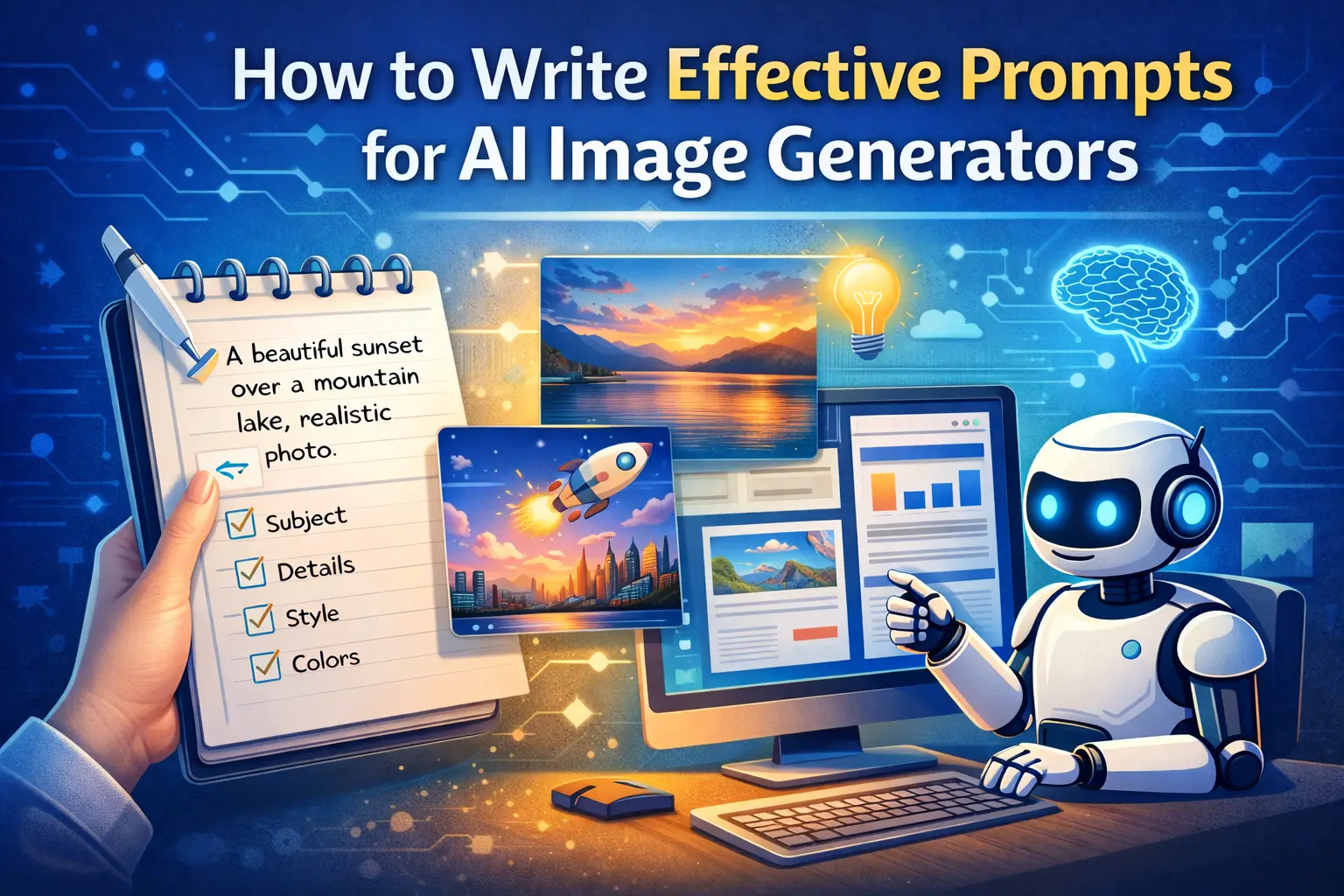
AI image generators have transformed the way people create visuals. Whether for blogs, social media, presentations, or educational projects, these tools allow anyone to generate images without traditional design skills. However, the quality of the final image depends almost entirely on the prompt you provide. A prompt is a text instruction that guides the AI to produce a specific type of image. Writing effective prompts is not just a technical skill—it is an essential step for producing high-quality, professional, and visually appealing content.
When a prompt is vague or unclear, AI image generators may produce images that are incomplete, irrelevant, or fail to capture the intended style and details. On the other hand, a well-written prompt can significantly improve image accuracy, reduce trial and error, and create visuals that perfectly match your content’s needs. Learning how to craft precise prompts is especially important for educational content, where clarity, relevance, and neutrality are essential for both learning outcomes and AdSense compliance.
Understanding the Basics of AI Prompts
At its core, an AI image prompt describes what you want the AI to create. This includes the subject of the image, its environment, mood, style, and level of detail. The AI does not “imagine” or infer context the way humans do. It relies entirely on the words you provide. Therefore, the clearer and more specific your prompt, the more likely you are to get an accurate and visually satisfying result.
For example, writing “AI education illustration” is too vague. The AI might generate a generic image of a classroom, a laptop, or something unrelated. By contrast, a detailed prompt such as “A clean and professional digital illustration of a student learning artificial intelligence on a laptop, with AI icons floating in the background, blue and white color scheme, minimalistic style, high resolution” gives the AI clear guidance on the subject, style, colors, and level of detail.
Step 1: Start With a Clear Subject
The first step in writing an effective AI prompt is to define the main subject of the image. This is the central focus that the AI will depict. Whether it’s a person, an object, or a scene, clearly stating what should appear in the image is crucial. Avoid vague terms such as “something nice” or “interesting scene.” Instead, describe exactly what you want. For instance, specifying “a teacher explaining a lesson on a whiteboard in a classroom” immediately gives the AI context, whereas simply saying “education scene” is too general.
Step 2: Add Descriptive Details
Once you’ve defined the subject, add relevant details to describe the environment, objects, and actions. Including these details ensures that the AI captures the full context and produces a realistic and engaging image. For example, instead of writing “person working,” you could write “a young professional working on a laptop at a clean desk with a notebook and coffee cup, sunlight coming through the window.” This level of detail allows the AI to generate an image that is visually complete and fits the narrative or educational context you need.
Step 3: Specify the Style and Medium
AI image generators respond very well to style instructions. Whether you want a digital illustration, realistic photograph, watercolor painting, 3D render, or flat design, specifying the style will drastically improve the output. Style preferences also ensure that the image aligns with your content. For example, a blog on AI technology might benefit from a modern, clean digital illustration, whereas a historical educational piece might work better with a hand-drawn style. By defining style early in the prompt, you reduce the chances of getting images that don’t match your intended aesthetic.
Step 4: Include Colors, Lighting, and Mood
Color schemes, lighting, and overall mood play an important role in making images visually appealing. Mentioning these elements in your prompt helps AI tools understand the tone of the image. For example, specifying “soft pastel colors with warm lighting and a calm, focused mood” can help produce an image that feels inviting and professional. This is especially important for educational content, where the goal is to communicate information clearly without distractions or unnecessary stylistic elements.
Read More: Step-by-Step: Using AI to Automate Your Weekly Newsletter
Step 5: Add Technical and Quality Preferences
High-resolution images, clean backgrounds, sharp focus, and professional lighting can make a significant difference, particularly for blog featured images or presentations. Including these technical preferences in your prompt ensures that the final image is polished and ready for use without additional editing. For instance, stating “high-resolution digital illustration with a white background and clear, readable icons” signals to the AI to generate content that is immediately usable in your project.
Step 6: Review, Refine, and Avoid Confusion
While AI tools are powerful, they can still produce unintended results if prompts are too long, repetitive, or conflicting. Avoid mixing styles, overloading the prompt with unrelated details, or using unclear language. Always review generated images, provide feedback if possible, and refine prompts gradually. Think of this process as a collaborative effort: the AI is a tool to help you, but human oversight ensures accuracy, clarity, and creativity.
Common Mistakes to Avoid
Many beginners make the mistake of writing overly short, vague prompts or using informal language. Others try to include too many unrelated instructions in one prompt, which can confuse the AI and produce unusable results. By focusing on a structured, clear, and logical prompt, you can avoid frustration and improve your workflow. The key is to combine clarity, detail, style, and context concisely and understandably.
Final Thoughts
Writing effective prompts for AI image generators is both a skill and an art. By providing a clear subject, descriptive details, a defined style, and proper context, you can consistently produce high-quality, professional images. This is especially useful for educational content, where accuracy, clarity, and a polished appearance are critical. With practice, prompt writing becomes faster, more precise, and more effective, allowing creators to focus on the insights, lessons, and stories their audience values most.
Mastering this skill ensures that AI image generators become a powerful extension of your creative and educational toolkit, making complex visuals accessible to anyone without specialized design training.