
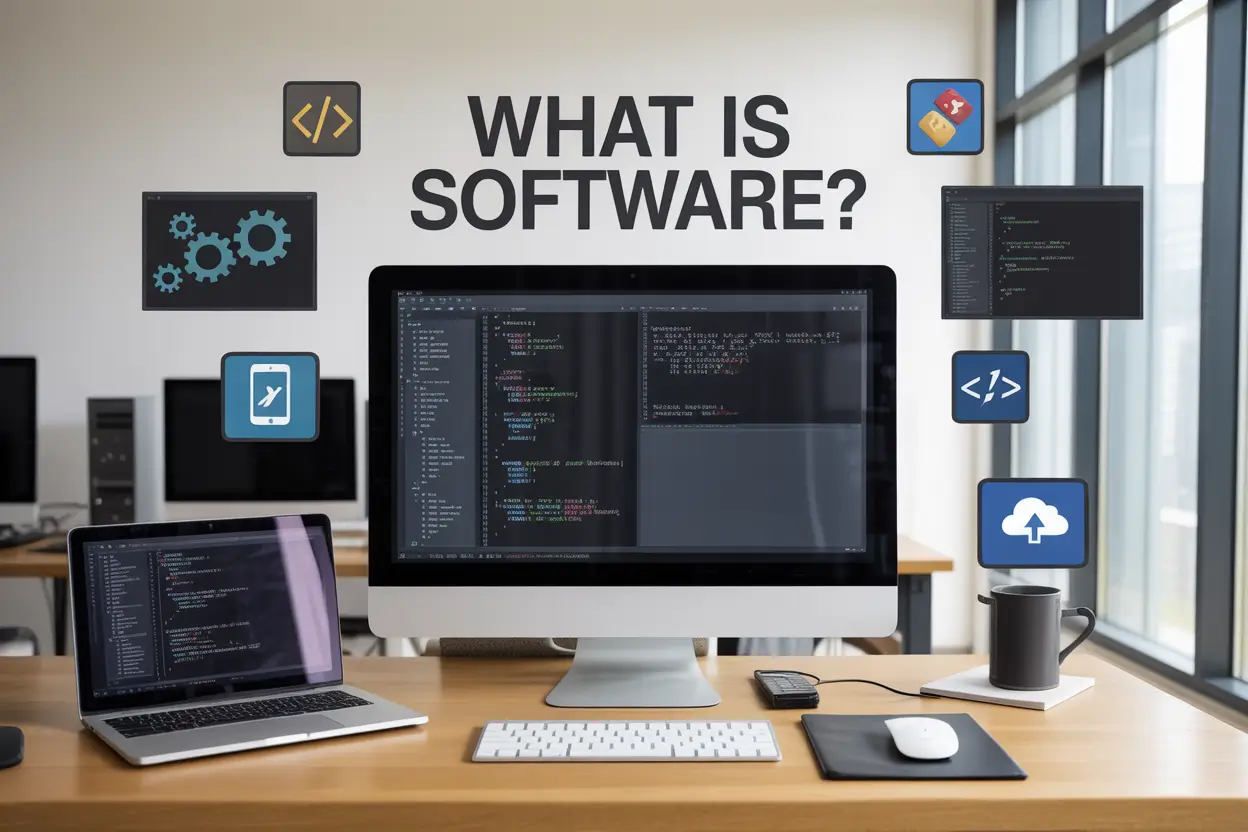
Software is simply a set of instructions that tells your computer what to do. Without it, your device would be nothing more than expensive metal and plastic sitting on your desk.
We’ll walk you through the main types of software you encounter every day, including system software that keeps your device running and application software that lets you browse the web, edit photos, and play games. You’ll also learn about different software deployment models and how companies distribute their programs to users like you.
Understanding Software Fundamentals

Software represents a collection of instructions, programs, and data that tell a computer what to do and how to do it. Think of software as the brain that gives life to the physical components of your device. Without software, your computer would be nothing more than an expensive paperweight filled with circuits and silicon.
At its core, software serves three primary purposes: controlling hardware operations, processing data, and providing user interfaces. Every time you click an icon, type a message, or stream a video, software translates your actions into commands that the hardware can understand and execute. Software acts as the intermediary between human intentions and machine capabilities, converting complex user requests into binary language that processors can interpret.
The fundamental purpose of software extends beyond simple task execution. Modern software creates ecosystems where different programs communicate, share resources, and work together to deliver seamless user experiences. Whether you’re editing a photo, managing finances, or playing games, software orchestrates thousands of background processes to make these activities possible.
How Software Differs from Hardware
The distinction between software and hardware represents one of computing’s most fundamental concepts. Hardware consists of tangible, physical components you can touch and see – processors, memory chips, hard drives, keyboards, and monitors. Software exists as intangible code and instructions stored electronically on these physical devices.
Hardware provides the foundation and raw processing power, while software determines how that power gets used. A graphics card (hardware) can render complex 3D scenes, but it needs graphics software to create those visuals. Your smartphone’s camera sensor (hardware) captures light, but camera software processes that light into recognizable images and applies filters or effects.
| Aspect | Hardware | Software |
|---|---|---|
| Nature | Physical, tangible | Digital, intangible |
| Durability | Can wear out or break | Doesn’t physically degrade |
| Modification | Requires physical changes | Updated through code changes |
| Cost Impact | Higher replacement costs | Often updatable at lower costs |
Another key difference lies in flexibility. Hardware modifications typically require physical intervention – installing new components or replacing existing ones. Software changes happen through updates, patches, or complete reinstallations, offering much greater adaptability to changing needs and requirements.
Key Components That Make Software Function
Software architecture consists of several essential components working in harmony. The user interface forms the visible layer where people interact with programs through buttons, menus, and visual elements. Behind this interface, the application logic contains the core functionality that processes user requests and performs specific tasks.
Data management components handle information storage, retrieval, and manipulation. These systems ensure that your documents, photos, settings, and other digital assets remain organized and accessible. Database engines, file systems, and memory managers all contribute to effective data handling.
Communication modules enable software to interact with other programs, networks, and external services. These components facilitate everything from sharing files between applications to connecting with internet services and syncing data across multiple devices.
Security components protect software from threats and unauthorized access. These include encryption systems, authentication mechanisms, and access controls that safeguard both the software itself and the data it processes. Modern software integrates security measures throughout its architecture rather than treating protection as an afterthought.
The Role Software Plays in Modern Computing
Software has evolved from simple utility programs to the driving force behind digital transformation across every industry. In healthcare, software manages patient records, controls medical equipment, and enables telemedicine consultations. Financial institutions rely on software for transaction processing, fraud detection, and customer service automation.
Entertainment industries have been revolutionized by software that creates movies, produces music, and powers gaming experiences. Social media platforms connect billions of people worldwide, while e-commerce software facilitates global trade and digital marketplaces. Smart home systems use software to control lighting, temperature, and security systems automatically.
The rise of artificial intelligence and machine learning represents software’s expanding capabilities. These advanced programs can recognize patterns, make predictions, and even create original content. Cloud computing has made powerful software accessible from anywhere with an internet connection, democratizing access to sophisticated tools and services.
Software also drives innovation in emerging technologies. Virtual and augmented reality applications create immersive experiences, while Internet of Things (IoT) software connects everyday objects to digital networks. Autonomous vehicles depend entirely on software to navigate roads safely, and blockchain applications are reshaping how we think about digital ownership and transactions.
Mobile software has transformed how we communicate, work, and access information. Apps handle everything from navigation and photography to banking and fitness tracking, putting powerful computing capabilities in everyone’s pocket. This ubiquity of software has made digital literacy as important as traditional literacy in modern society.
System Software That Powers Your Device
Operating Systems and Their Essential Functions
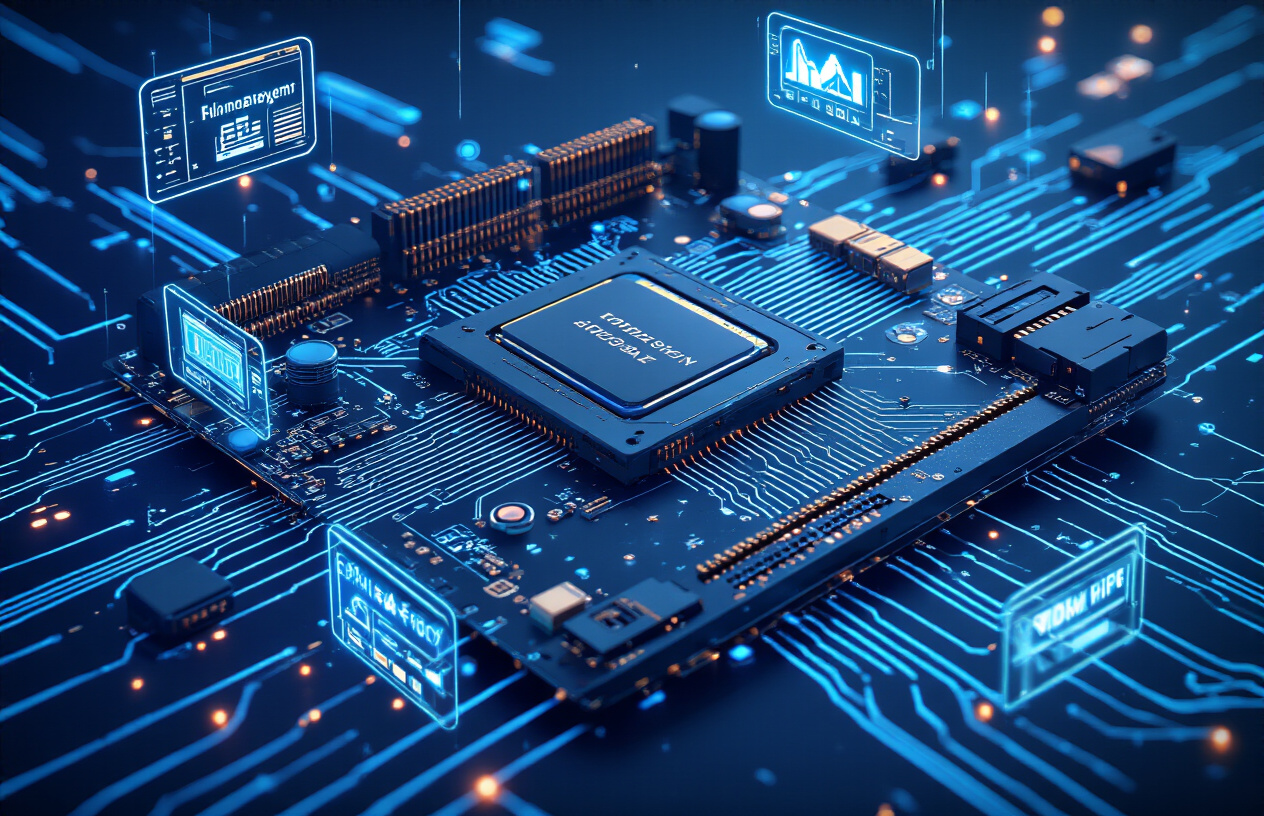
Operating systems serve as the foundation that connects users with their computer hardware. Windows, macOS, and Linux represent the most common desktop operating systems, each managing critical functions like memory allocation, file organization, and process scheduling. These systems create a user-friendly interface that transforms complex hardware operations into simple clicks and commands.
Modern operating systems handle multiple tasks simultaneously through sophisticated resource management. They allocate CPU time, distribute memory among running programs, and coordinate data storage across hard drives and solid-state drives. Security features built into these systems protect against malware, unauthorized access, and data corruption through user authentication, file permissions, and system monitoring.
Mobile operating systems like iOS and Android operate on similar principles but optimize for touch interfaces, battery conservation, and app-based ecosystems. These platforms manage sensor data, network connectivity, and background processes while maintaining responsive user experiences across diverse hardware configurations.
Device Drivers for Hardware Communication
Device drivers act as translators between operating systems and hardware components. Every piece of hardware in your computer requires specific driver software to function properly, from graphics cards and printers to keyboards and webcams. These small programs contain instructions that tell the operating system how to communicate with each device’s unique specifications and capabilities.
Graphics drivers represent some of the most complex examples, converting software rendering commands into signals that graphics processors understand. Gaming performance, video playback quality, and display resolution depend heavily on properly installed and updated graphics drivers. Network adapter drivers enable internet connectivity by managing data transmission protocols and wireless communication standards.
Universal drivers simplify the installation process for common devices like USB storage drives and basic input devices. These generic drivers provide basic functionality across similar hardware types, though specialized drivers often unlock advanced features and improved performance. Driver updates frequently address security vulnerabilities, compatibility issues, and performance optimizations discovered after initial hardware release.
Firmware and Low-Level System Control
Firmware represents the lowest level of software control, embedded directly into hardware components during manufacturing. This permanent software initializes hardware components during startup and provides basic operational instructions that remain accessible even when primary storage fails. BIOS and UEFI firmware manage the boot process, hardware detection, and initial system configuration before transferring control to the operating system.
Embedded systems rely heavily on firmware for autonomous operation. Smart appliances, automotive control systems, and industrial equipment contain specialized firmware that manages real-time operations without requiring traditional operating systems. This firmware handles sensor inputs, motor control, communication protocols, and safety mechanisms with precise timing requirements.
Firmware updates can enhance device capabilities, fix security vulnerabilities, and improve compatibility with newer technologies. However, firmware modifications carry significant risks since corrupted firmware can render devices completely inoperable. Recovery procedures for firmware failures often require specialized tools and technical expertise beyond typical user capabilities.
Application Software for Everyday Tasks

Productivity Applications for Work and Personal Use
Productivity software helps you get things done efficiently, whether you’re managing work projects or organizing your personal life. Word processors like Microsoft Word and Google Docs handle document creation, while spreadsheet applications such as Excel and Google Sheets crunch numbers and analyze data. Presentation software including PowerPoint and Canva transforms ideas into compelling visual stories.
Email clients keep your communications organized, with options ranging from desktop applications like Outlook to web-based solutions like Gmail. Task management tools such as Todoist, Asana, and Trello help you track deadlines and collaborate with team members. Note-taking applications like Evernote and Notion capture your thoughts and organize information across devices.
Calendar applications sync your schedule across platforms, ensuring you never miss important appointments. Cloud storage services like Dropbox and OneDrive make file sharing seamless, while password managers like LastPass secure your digital life. These tools work together to create a productive ecosystem that adapts to your workflow.
Entertainment and Media Software Options
Entertainment software transforms your devices into multimedia powerhouses. Video players like VLC and Windows Media Player handle various file formats, while streaming applications such as Netflix, Spotify, and YouTube bring endless content to your screen. Gaming platforms including Steam, Epic Games, and mobile app stores offer thousands of games across all genres.
Photo editing software ranges from professional tools like Adobe Photoshop to user-friendly options like GIMP and Canva. Video editing applications such as Adobe Premiere Pro, Final Cut Pro, and DaVinci Resolve help create polished content. Music production software including GarageBand and Audacity enables audio creativity.
Social media applications keep you connected with friends and communities. Streaming software like OBS Studio enables content creation and live broadcasting. E-book readers such as Kindle and Apple Books provide access to vast digital libraries. These applications turn passive consumption into active engagement with digital media.
Educational and Learning Software Solutions
Educational software makes learning accessible and engaging across age groups. Language learning platforms like Duolingo and Rosetta Stone use gamification to teach new languages. Online course platforms including Coursera, Khan Academy, and Udemy offer structured learning paths for professional and personal development.
Reference software such as digital encyclopedias and dictionary applications provide instant access to information. Mathematical software like MATLAB and Wolfram Alpha solves complex calculations and visualizes data. Programming learning platforms such as Codecademy and freeCodeCamp teach coding through interactive exercises.
Virtual classroom software, including Zoom and Microsoft Teams, enables remote learning and collaboration. Educational games make complex subjects approachable for younger learners. Spaced repetition is used by flashcard programs like Anki to enhance memory retention. These tools create personalized learning experiences that adapt to individual pace and style.
Business and Professional Software Tools
Business software streamlines operations and drives growth across industries. Customer Relationship Management (CRM) systems like Salesforce and HubSpot track customer interactions and sales pipelines. Enterprise Resource Planning (ERP) software including SAP and Oracle integrates business processes across departments.
Accounting software such as QuickBooks and Xero manages financial records and generates reports. Project management tools like Monday.com and Basecamp coordinate team efforts and track progress. Communication platforms including Slack and Microsoft Teams facilitate workplace collaboration.
Design software serves creative professionals with tools like Adobe Creative Suite and Sketch for visual design. Database management systems such as MySQL and PostgreSQL store and retrieve business-critical information. Human Resources software including BambooHR and Workday handles employee management and payroll processing.
| Software Category | Popular Examples | Primary Use Cases |
|---|---|---|
| CRM | Salesforce, HubSpot | Customer management, sales tracking |
| Accounting | QuickBooks, Xero | Financial management, reporting |
| Project Management | Asana, Monday.com | Task coordination, timeline tracking |
| Communication | Slack, Teams | Team collaboration, messaging |
Programming Software for Developers

Text Editors and Integrated Development Environments
Text editors and IDEs form the digital workspace where developers spend most of their time crafting code. Basic text editors like Notepad++ or Sublime Text provide essential features such as syntax highlighting, find-and-replace functionality, and multi-file editing capabilities. These lightweight tools excel at quick edits and simple projects where you need speed and simplicity.
Integrated Development Environments take this concept several steps further by combining multiple development tools into one cohesive platform. IDEs like Visual Studio, IntelliJ IDEA, and Eclipse offer comprehensive feature sets including:
-
Code completion and intelligent suggestions that predict what you’re typing
-
Project management tools for organizing files and dependencies
-
Built-in version control integration with Git and other systems
-
Refactoring tools that help restructure code without breaking functionality
-
Plugin ecosystems that extend functionality for specific languages or frameworks
Modern cloud-based IDEs like GitHub Codespaces and GitLab Web IDE have revolutionized development by enabling coding from any device with a browser. These platforms eliminate setup headaches and make collaboration seamless across different operating systems and hardware configurations.
Compilers and Interpreters for Code Translation
Compilers and interpreters serve as the bridge between human-readable code and machine-executable instructions. Compilers like GCC for C/C++ or the Java compiler transform entire source code files into optimized machine code or bytecode before execution. This process catches errors early and produces highly efficient executables that run independently of the original source.
Interpreters take a different approach by reading and executing code line by line in real-time. Python’s interpreter, JavaScript engines in browsers, and Ruby’s interpreter exemplify this model. While interpreted languages typically run slower than compiled ones, they offer significant advantages:
| Aspect | Compilers | Interpreters |
|---|---|---|
| Execution Speed | Fast runtime performance | Slower execution |
| Development Speed | Slower compile-build cycle | Immediate feedback |
| Error Detection | Compile-time error checking | Runtime error detection |
| Portability | Platform-specific binaries | Cross-platform source code |
Just-in-time (JIT) compilers blur these lines by combining the benefits of both approaches. Languages like C# and Java use JIT compilation to achieve near-native performance while maintaining platform independence.
Debugging and Testing Tools for Quality Assurance
Debugging tools help developers identify and fix problems in their code by providing deep insights into program execution. Modern debuggers like GDB, Visual Studio Debugger, and browser developer tools offer powerful capabilities, including breakpoint management, variable inspection, and call stack analysis. These tools let you pause program execution at specific points and examine the internal state of your application.
Profiling tools complement debuggers by analyzing performance characteristics such as memory usage, CPU consumption, and execution time. Tools like Valgrind for memory analysis or Chrome DevTools for web performance help identify bottlenecks and optimization opportunities.
Testing frameworks automate the quality assurance process by running predefined test cases against your code. Unit testing frameworks like JUnit for Java, pytest for Python, and Jest for JavaScript enable developers to write tests that verify individual components work correctly. Integration testing tools ensure different parts of an application communicate properly, while end-to-end testing frameworks like Selenium simulate real user interactions.
Continuous integration platforms like Jenkins, GitHub Actions, and GitLab CI automatically run these tests whenever code changes, catching regressions before they reach production. Static analysis tools such as ESLint, SonarQube, and Checkmarx scan code for potential security vulnerabilities, style violations, and maintainability issues without executing the program.

Desktop applications represent the traditional approach to software deployment, where programs are installed directly onto your computer’s hard drive. These applications run locally, using your device’s processing power, memory, and storage resources. Popular examples include Microsoft Office, Adobe Photoshop, and video games like Call of Duty.
The main advantage of desktop software lies in its performance and reliability. Since everything runs locally, you don’t need an internet connection to use most features, and the software can take full advantage of your hardware capabilities. This makes desktop apps ideal for resource-intensive tasks like video editing, 3D modeling, or complex data analysis.
Desktop applications also provide better security for sensitive data since everything stays on your local machine. You have complete control over updates, licensing, and data storage. However, this approach requires adequate storage space, regular maintenance, and manual updates across multiple devices.
Web-Based Software for Browser Access
Web-based software runs entirely in your web browser, eliminating the need for local installation. Google Workspace, Canva, and Salesforce exemplify this deployment model. You access these applications by simply navigating to a website and logging in.
This approach offers incredible convenience and accessibility. You can access your work from any device with an internet connection, making collaboration seamless. Updates happen automatically on the server side, so you’re always using the latest version without manual intervention.
Web applications work across different operating systems without compatibility issues. Whether you’re using Windows, macOS, or Linux, the experience remains consistent. The downside is the dependency on internet connectivity and potential performance limitations compared to native desktop applications.
Mobile Apps for Smartphones and Tablets
Mobile applications are specifically designed for smartphones and tablets, optimized for touch interfaces and smaller screens. These apps are distributed through app stores like Google Play or Apple’s App Store, making discovery and installation straightforward.
Mobile apps excel at providing quick, focused functionality that matches how people use their phones. They can leverage device-specific features like GPS, camera, accelerometer, and push notifications. Instagram, Uber, and banking apps showcase how mobile software can create highly personalized, location-aware experiences.
The mobile-first approach has revolutionized how we interact with software. Apps are designed for short, frequent interactions rather than long work sessions. This deployment model works best for consumer-facing applications, social media, entertainment, and on-the-go productivity tools.
Cloud-Based Solutions for Remote Computing
Cloud-based software represents a shift toward remote computing power and storage. Instead of running on your local device, the heavy lifting happens on powerful servers in data centers. You interact with the software through a thin client or web browser while the actual processing occurs elsewhere.
Services like Netflix, Spotify, and cloud gaming platforms demonstrate this model’s potential. Your device becomes a window into powerful computing resources that would be impossible to own individually. Cloud solutions offer virtually unlimited scalability, automatic backups, and the ability to access massive computing power on demand.
This deployment model excels for applications requiring significant processing power, storage, or real-time collaboration among many users. The trade-off includes ongoing subscription costs, internet dependency, and less control over data storage and privacy.
Hybrid Applications Combining Multiple Approaches
Hybrid applications blend multiple deployment strategies to create versatile solutions that adapt to different usage scenarios. These applications might offer both offline desktop functionality and online synchronization, or combine native mobile performance with web-based flexibility.
Microsoft Office 365 exemplifies this approach perfectly. You can install desktop versions for full functionality while also accessing web versions for quick edits and collaboration. Your work syncs across all platforms, giving you the best of both worlds.
Hybrid deployment addresses the limitations of single-approach solutions. Users get offline reliability when needed, online collaboration when desired, and seamless transitions between different devices and contexts. This flexibility comes at the cost of increased complexity in development and maintenance, but the user experience benefits often justify the additional effort.
Modern software increasingly adopts hybrid approaches because users expect their tools to work across multiple contexts and devices without friction.
Software Licensing and Distribution Methods
Proprietary Software with Commercial Licenses
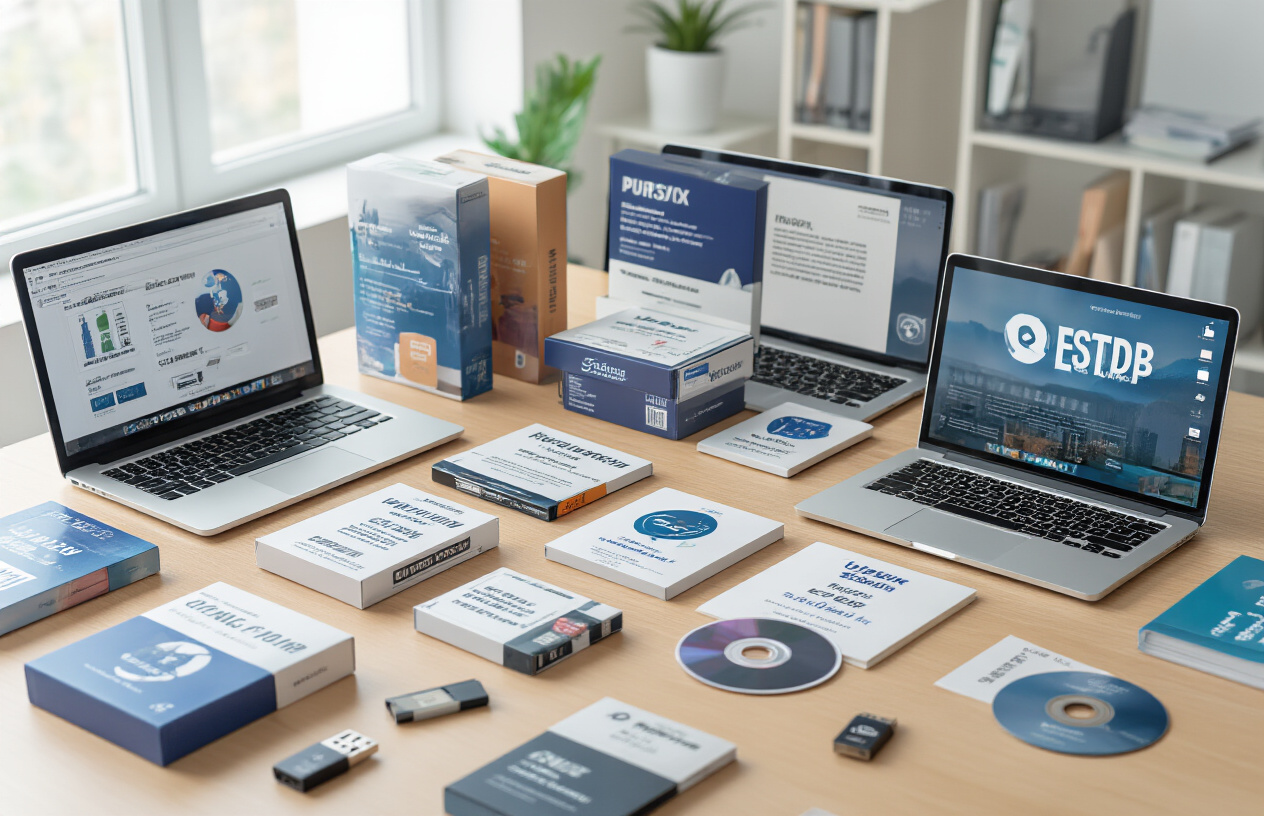
Proprietary software represents the traditional commercial model where companies retain full ownership and control over their products. Microsoft Office, Adobe Creative Suite, and Windows operating systems are prime examples of this approach. When you purchase proprietary software, you’re essentially buying a license to use it rather than owning the actual code.
The biggest advantage of proprietary software lies in professional support and regular updates. Companies like Microsoft and Adobe invest heavily in customer service, documentation, and continuous improvement. You’ll typically receive timely security patches, feature updates, and technical assistance when problems arise.
However, this convenience comes with significant restrictions. You can’t modify the source code, redistribute the software, or peek under the hood to understand how it works. The vendor controls pricing, update schedules, and feature availability. If they discontinue a product or change their business model, you might find yourself stuck with outdated software or forced into expensive upgrades.
Licensing costs can add up quickly, especially for businesses requiring multiple user licenses. Enterprise software often requires annual subscriptions, maintenance fees, and additional costs for premium features.
Open Source Software with Free Access
Open source software flips the traditional model on its head by making source code freely available for anyone to view, modify, and distribute. Popular examples include Linux, Firefox, LibreOffice, and countless development tools like Git and Python.
The core philosophy centers on collaborative development and community-driven innovation. Developers worldwide contribute improvements, bug fixes, and new features without monetary compensation. This collective effort often results in robust, secure software that evolves rapidly based on real user needs.
Cost savings represent the most obvious benefit – you can download, install, and use most open source software without paying licensing fees. Small businesses and startups particularly benefit from this model, as they can build entire technology stacks without significant upfront software costs.
Security and transparency are major advantages. With open source code, security researchers can identify vulnerabilities quickly, and fixes often arrive faster than with proprietary alternatives. You’re not dependent on a single company’s security team or update schedule.
The downside? Support can be inconsistent. While active communities often provide excellent help through forums and documentation, you won’t get the guaranteed phone support that comes with commercial software. Some open source projects also lack the polish and user-friendly interfaces found in well-funded commercial products.
Freeware and Shareware Distribution Models
Freeware occupies a middle ground between proprietary and open source software. While the software is free to use, the source code typically remains closed. Popular examples include Google Chrome, Skype, and many mobile apps. Companies often use freeware as a marketing tool to promote paid services or collect user data.
Shareware follows a “try before you buy” approach. You can download and use the software for free during a trial period, after which you’re expected to purchase a license for continued use. WinRAR and many indie games follow this model. Some shareware includes limitations like watermarks, reduced functionality, or nagging reminders until you register.
Both models serve specific purposes in the software ecosystem. Freeware helps companies build user bases, while shareware reduces the risk for consumers who want to test software before committing financially.
| Distribution Model | Cost | Source Code Access | Support Level | Modification Rights |
|---|---|---|---|---|
| Proprietary | Paid license | Closed | Professional | None |
| Open Source | Free | Open | Community-based | Full rights |
| Freeware | Free | Closed | Limited | None |
| Shareware | Trial then paid | Closed | Varies | None |
The choice between these models depends on your specific needs, budget, technical expertise, and risk tolerance. Many successful organizations use a mix of all three approaches to build comprehensive software solutions.
Software touches every part of our digital lives, from the operating systems running our phones to the apps we check every morning. We’ve covered the three main types – system software that keeps everything running smoothly, application software that helps us get things done, and programming software that lets developers create new tools. Each plays a different role, but they all work together to make our devices useful and powerful.
When choosing software for your personal or business needs, think about your specific goals and budget. Whether you go with cloud-based solutions, traditional desktop programs, or mobile apps depends on how and where you work. Understanding these basics helps you make smarter decisions about the tools you use every day. The software world keeps changing fast, so staying curious about new options will serve you well as technology continues to shape how we work and live.